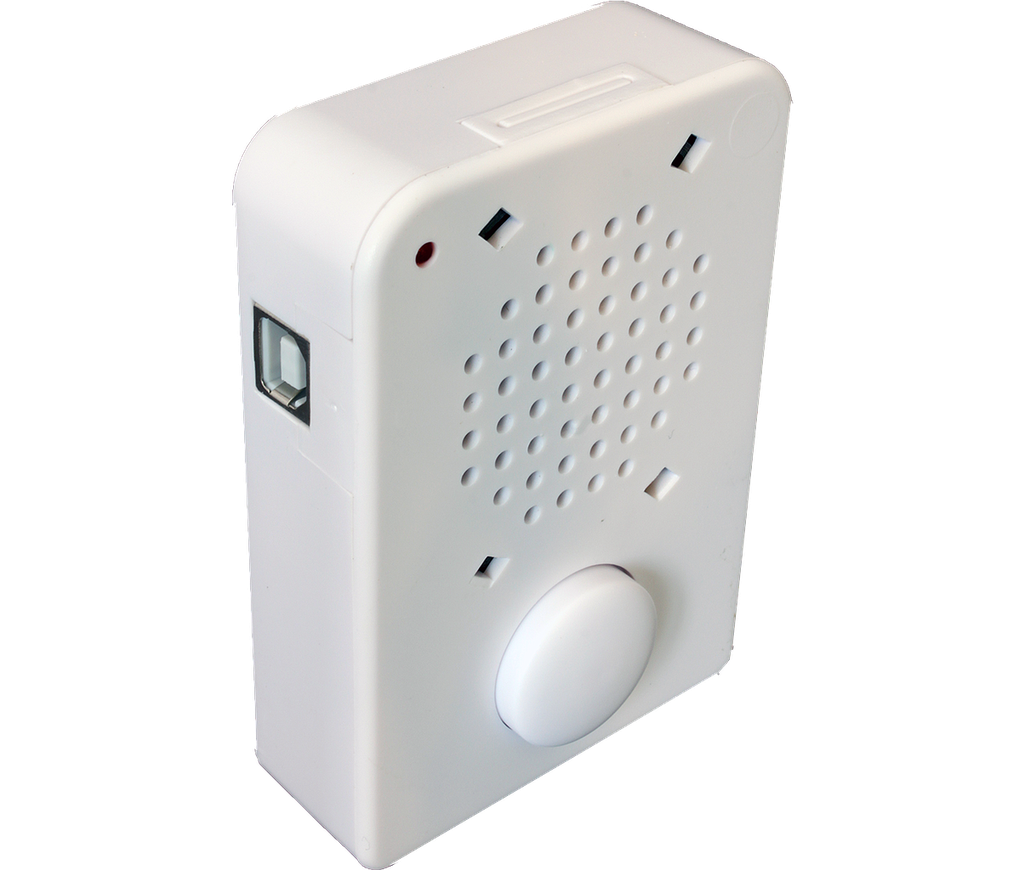
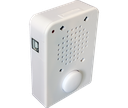
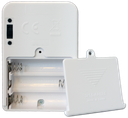
Description: This module connects to your computer via a USB cable. Then use the free software to record up to 300 seconds of .wav and/or .mp3 files to it. The software is very powerful and will allow you to stack wave files and program pauses so the same button can be used to trigger up to 200 different messages! (The messages are played sequentially each time the PUSH-BUTTON is pressed) Comes with a built-in speaker.
Features:
- Up to 300 seconds of re-recordable voice message (4.7K sample rate)
- Includes 6 different playback settings including repeat and continuous playback
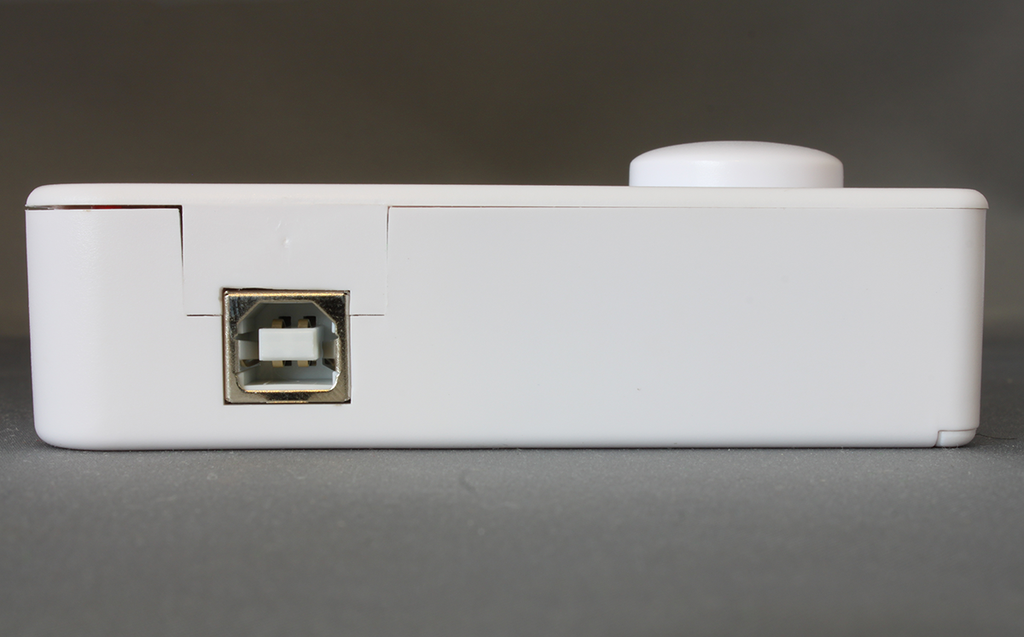
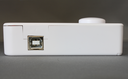
- Use USB type-B male connector for direct plug into USB cable
- Easy to transfer software for windows of .WAV or MP3 audio files
- Range of 4K - 20K sample rate.
- 300 seconds non-volatile recordable IC.
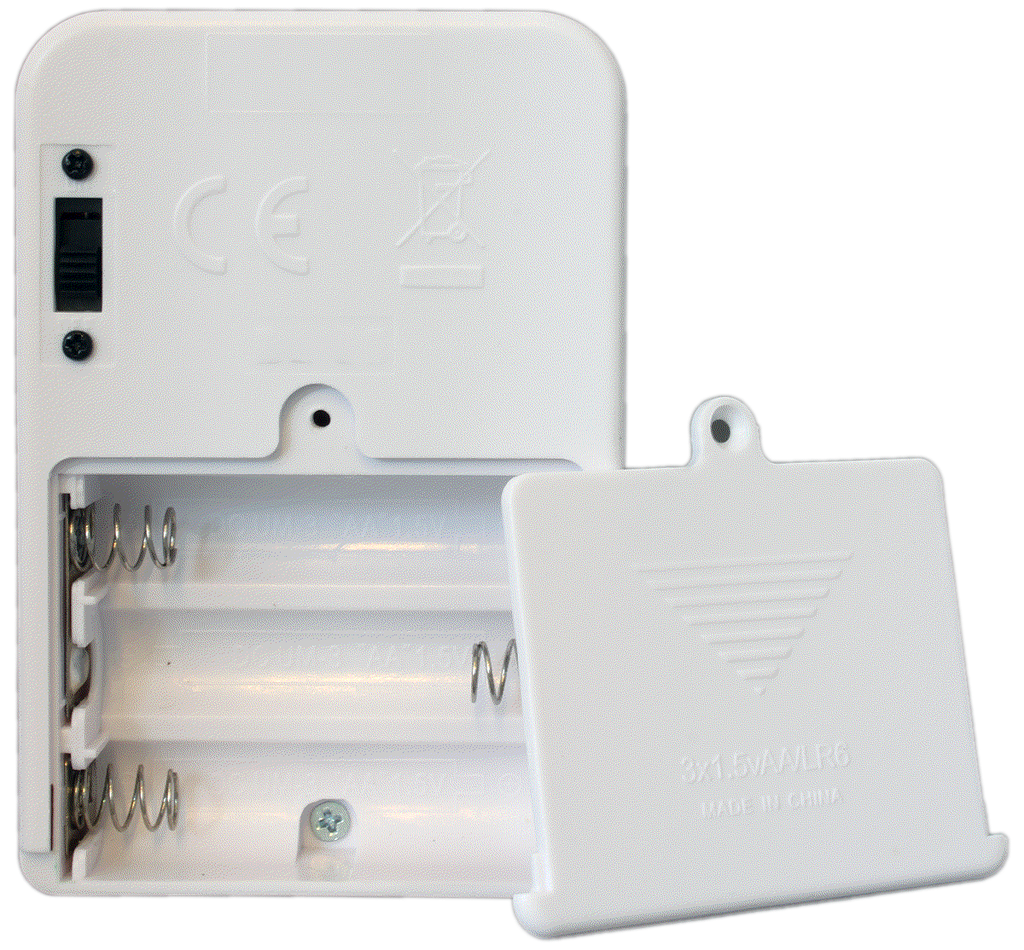
- Operating Voltage 3 to 5 V DC (3 x AA batteries not included)
- Operating Current < 50 mA
- Standby Current < 5 uA
- Front push switch playback
- 57mm built-in speaker, Rated Power 0.25w, Peak Power 0.5w, 16 Ohm
Dimensions: 65 x 94 x 26mm
System Requirements:
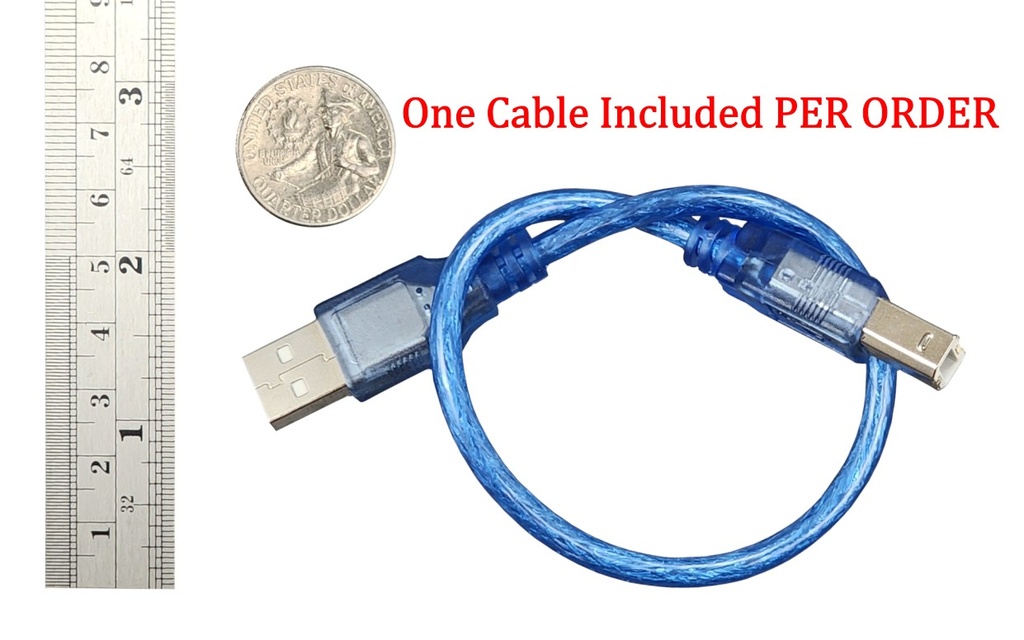
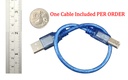
- Type "A" Male to type "B" Male USB cable (One cable per shipment included)
- Unused USB port on computer
- Windows 11, 10, 8 or 7 compatible Click here for alternative modules that work with Apple Mac
- 3 x AA Batteries (Not included)
Troubleshooting:
Additional Details: | |
| After you have added your sound files in the PM66Q program make sure to save your settings first by clicking on the "Save file" button, and THEN click the "PM66" button to program your module. (this is different from the previous version hardware where you could program the module directly without saving the configuration file first (see step 9 & 10 here) IMPORTANT NOTE: Use PWM DIRECT DRIVE in the software for this unit (DO NOT USE DAC for Ext.AMP like for the USB5M). In Windows Vista/ Win 7 the PM66 software must be run as administrator by right clicking on the PM66 icon ad then click to "Run as administrator" | |
| If your sound file needs to be edited whether to change to length or convert it from .wav to .mp3 or vice versa .mp3 to .wav. Please check out this free software that we use GoldWav |
Documentation and Downloads
- Common Questions and Answers
- Software PM66QWriterV1.06_2017.11.10_setup.zip (or here are the un-zipped .exe)(Windows 10 or earlier) (If download link doesn't work with Chrome try different browser)
- PM66Q Quick Start Guide
- Software for PREVIOUS VERSION of hardware, is still available from the Retired Product Page
- Software Manual
- GoldWave v5 .mp3 file converter download
Your Dynamic Snippet will be displayed here...
This message is displayed because youy did not provide both a filter and a template to use.